 HF Panel
Autoresponder
Send automatic replies from HF Mail while you are away, with optional start and end dates and one reply per sender per period.
The autoresponder answers new mail automatically, for example while you are on holiday. It runs on the mail server, so it works when webmail is closed.
Where: HF Mail › Tools › Autoresponder
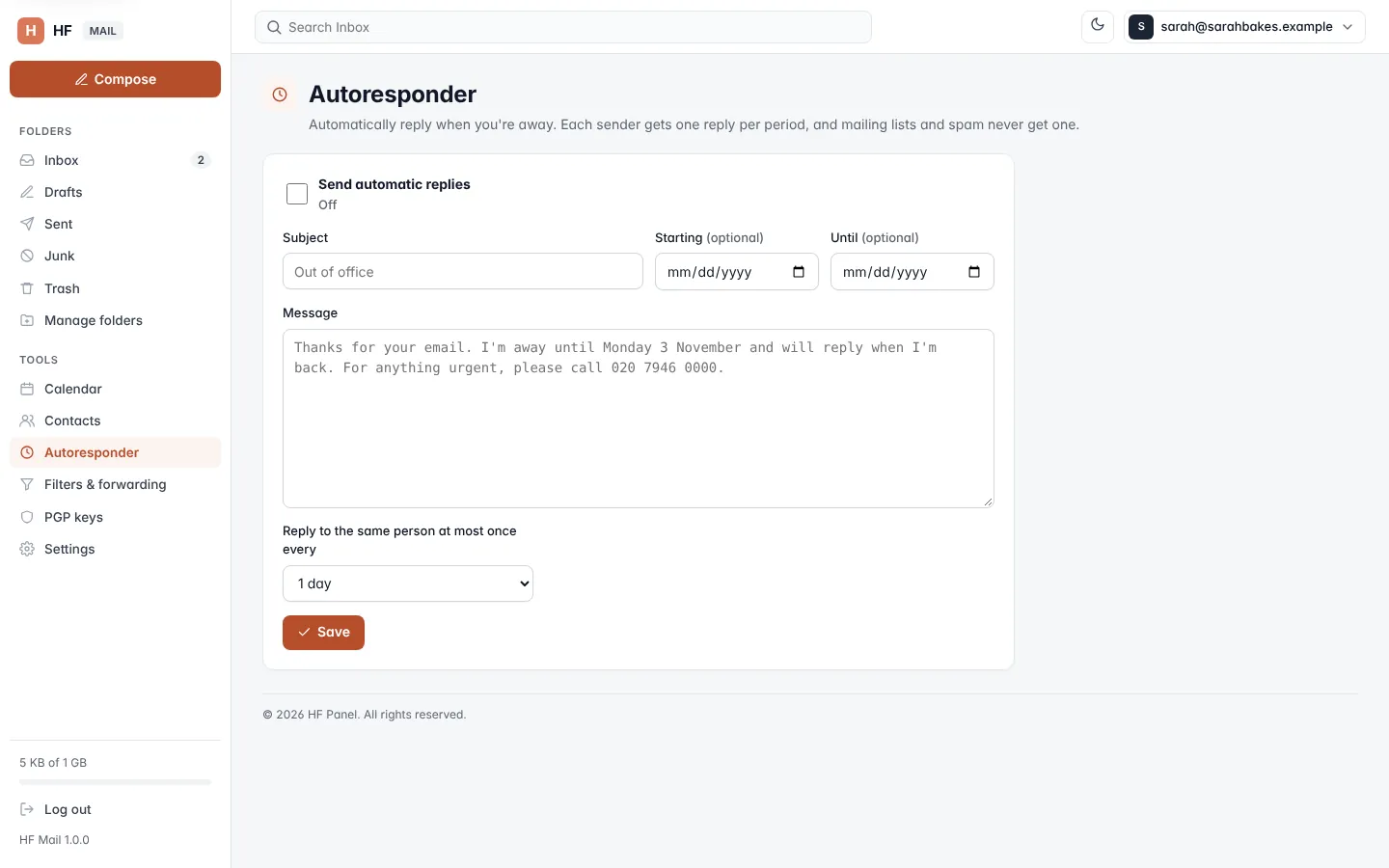
Turn on automatic replies
- Tick Send automatic replies.
- Type a Subject (up to 150 characters), for example Out of office.
- Optionally set Starting and Until dates. Replies are only sent between them.
- Write the Message (up to 5,000 characters).
- Choose Reply to the same person at most once every: 1 day, 3 days, 7 days, 14 days or 30 days.
- Click Save.
Under the switch, the current state is shown: On, On until date, or Off.
To stop the replies, untick Send automatic replies and click Save.
Who gets a reply
- Each sender gets one reply per period you chose.
- Mailing lists and spam never get a reply.
- If you forward all mail without keeping a copy, the autoresponder doesn't run for that mail.