 HF Panel
Docker apps
Install and enable Docker on the server so customers can run one-click apps such as n8n, Nextcloud and Ghost.
The Docker apps screen installs Docker on the server. Once it runs, customers can install one-click apps from their own Control Panel: n8n, Nextcloud, Uptime Kuma, Ghost, Vaultwarden and Gitea.
Where: Server Admin › Hosting › Docker apps
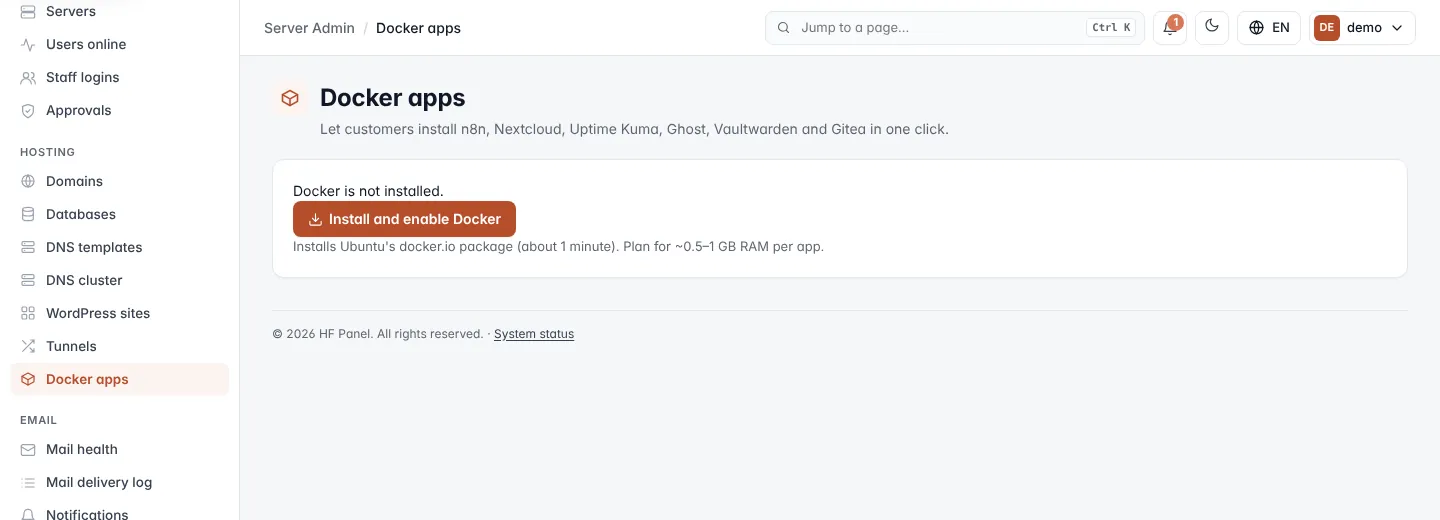
Install Docker
- Open Docker apps. If Docker is not installed, the screen says Docker is not installed.
- Click Install and enable Docker.
The install opens in a progress window you can follow live. It installs Ubuntu's docker.io package and takes about
a minute. When it is done, the screen shows Docker version running.
Tip: plan for about 0.5–1 GB of RAM for each app customers run.
Set how many apps each customer may run
The number of apps per customer is set on each package. Open Packages and set Docker apps (0 = none, up to 50; new packages start at 2).
How apps are isolated
- Containers only listen on
127.0.0.1. - Each container is capped in memory, CPU and processes.
- Containers cannot reach each other.