 HF Panel
AI helper
Ask the AI helper why a website isn't working, what an error log means, how to fix .htaccess, or any hosting question.
The AI helper answers questions about your hosting. Ask why a website isn't working, what an error log means,
or how to fix your .htaccess. The helper looks at your site and logs and answers in plain English.
Where: Control Panel › Support › AI helper
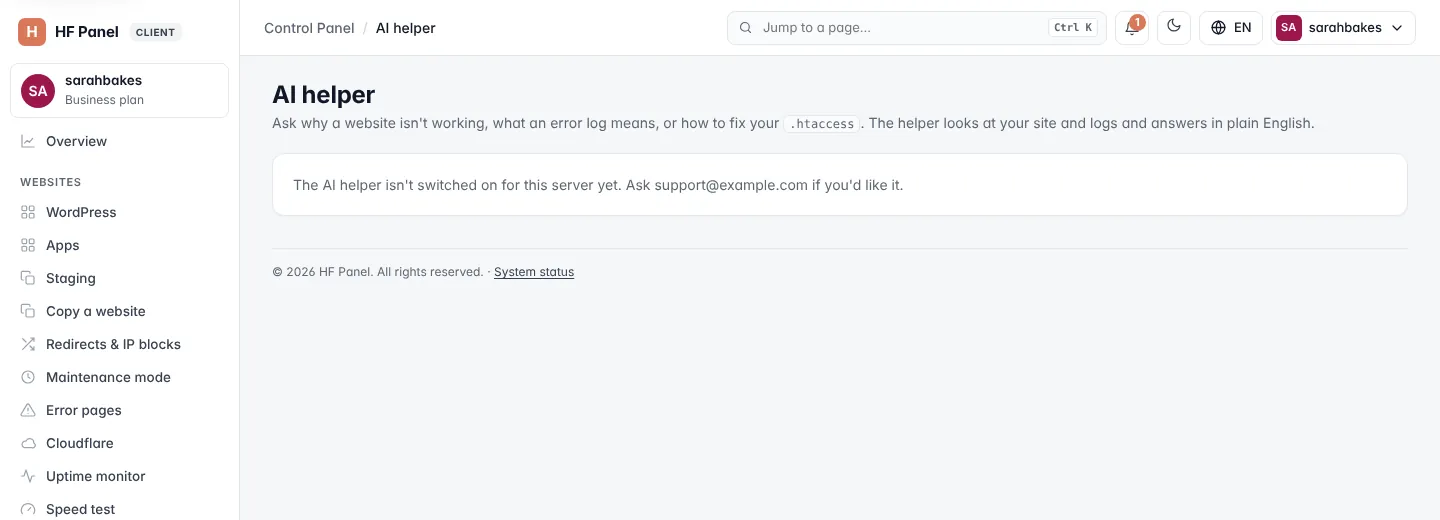
Note: the AI helper is available only when your hosting provider has switched it on. Otherwise the screen says so and gives the address to ask.
Ask a question
- Choose What do you need?:
- Why is my website not working?
- Explain my error log
- Help with my .htaccess
- Ask anything about my hosting
- Choose the Website (not needed for the general question).
- Describe the problem — optional for the first three topics, for example
My WordPress site shows a white page since I updated a plugin(up to 2,000 characters). - Click Ask.
While the helper works, the screen says Looking at your site…. The answer appears below the form.
Important: passwords and keys found in logs and files are removed before anything is sent. Don't type passwords in your question.
Warning: AI answers can be wrong. Take a backup before changing files — see Backups.
Limits
| Limit | Detail |
|---|---|
| Per day | set by your hosting provider; the screen shows how many questions you used today, for example 3 of 20 questions used today |
| Per hour | up to 30 questions |
Earlier questions
Earlier questions lists your last questions with the topic, website and time. Click one to read its answer again.