 HF Panel
Redis cache
Turn on your own private Redis cache, see its figures, connect apps and speed up WordPress with one click.
The Redis cache screen gives your account its own private, in-memory cache. It makes WordPress, WooCommerce, Laravel and other apps faster by keeping often-used data in memory instead of asking the database every time.
Where: Control Panel › Databases › Redis cache
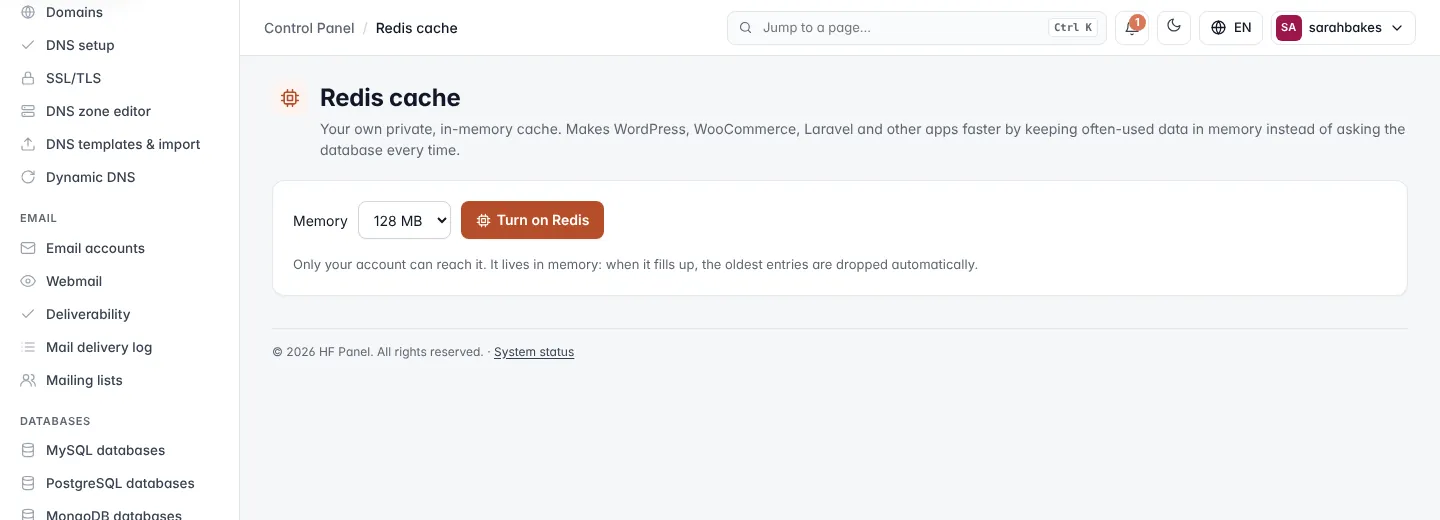
Only your account can reach your Redis. It listens on a socket, not a network port, and needs no password. It lives in memory: when it fills up, the oldest entries are dropped automatically.
Turn on Redis
- Choose the Memory size.
- Click Turn on Redis.
The sizes offered are 32 MB, 64 MB, 128 MB, 256 MB, 512 MB, 1 GB and 2 GB, up to your package's Redis limit (128 MB when the package sets none). 128 MB is chosen by default when it is allowed.
Note: if the screen says Your hosting plan does not include Redis, ask your hosting provider to add it.
Figures
When Redis is on, the screen shows:
| Figure | What it means |
|---|---|
| Status | Running or Stopped, and the Redis version |
| Memory used | memory in use, of the size you chose |
| Items cached | how many keys are stored, and how many were dropped when the cache was full |
| Hit rate | the share of requests answered from memory |
Use Redis with WordPress
The WordPress card lists the WordPress sites you installed with the app installer.
- Click Use Redis next to a site.
HF Panel sets up the free Redis Object Cache plugin and connects it for you. The site shows Using Redis. Click Stop using Redis to switch it back.
Connect another app
The Connect another app card shows the Socket path. There is no Port (socket only — nothing else can reach it) and no Password. Examples:
- Laravel
.env:REDIS_CLIENT=phpredis,REDIS_SCHEME=unix,REDIS_PATH=<socket> - PHP:
$r = new Redis(); $r->connect('<socket>');
Empty or turn off the cache
- Empty the cache removes everything stored. Apps fill it again as they run.
- Turn off Redis asks for confirmation, switches every WordPress site back to normal, then stops your Redis and frees its memory.