 HF Panel
Feature lists
Choose which Control Panel tools your customers get on each package, within the allowance your provider gives you.
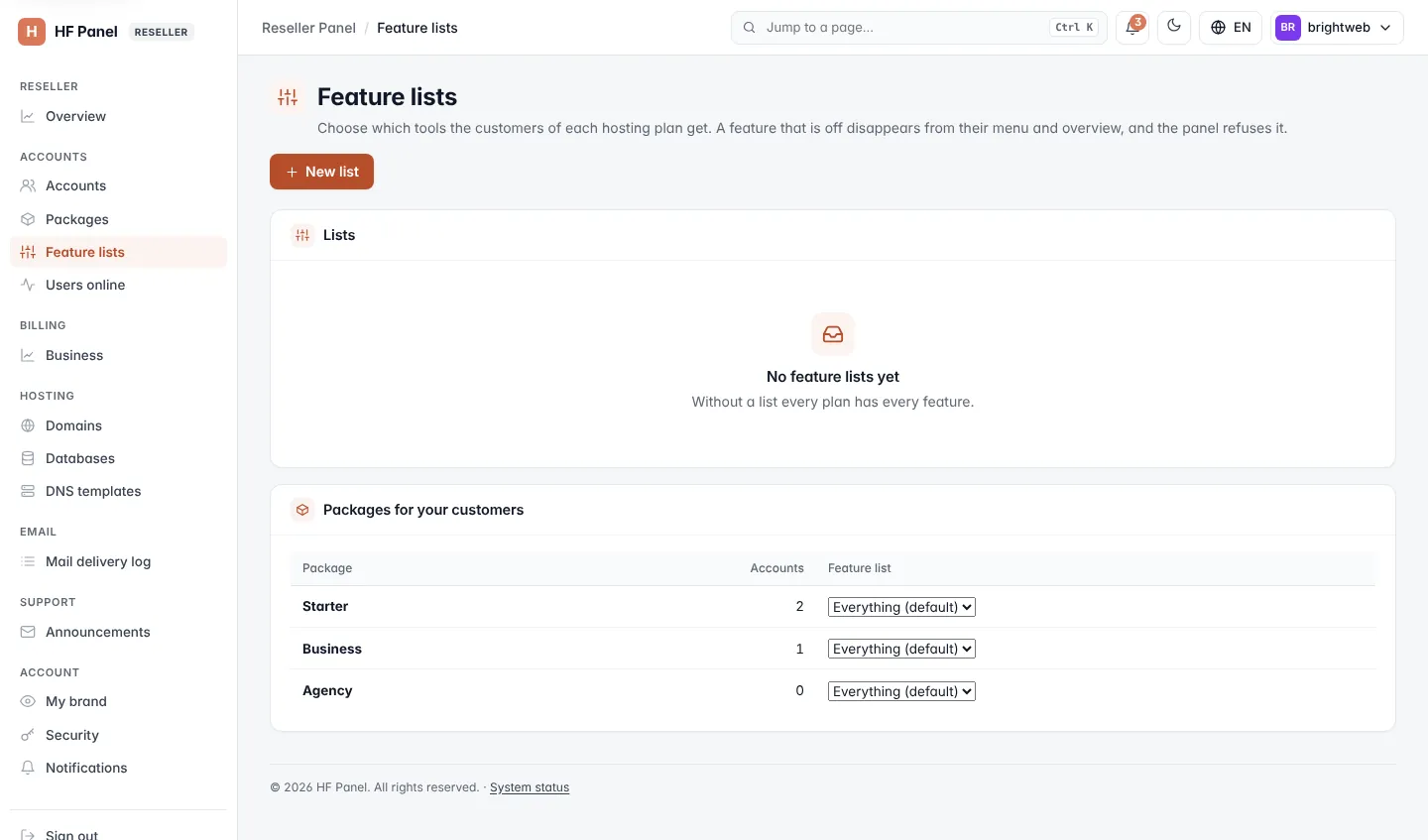
Feature lists choose which tools the customers of each hosting plan get. A feature that is off disappears from their menu and overview, and the panel refuses it. As a reseller you make your own lists and give them to packages for your own customers only. It works like the administrator's Feature lists.
Where: Reseller Panel › Accounts › Feature lists
Note: making and changing lists needs the Make their own feature lists privilege.
Your allowance
The administrator may give you an allowance — the most your customers may get. When it leaves features out, a notice says Your own plan leaves out: …. Your customers never get these, whatever your lists say. In the list editor they are locked (Not part of your own plan).
Make a list
- Click New list.
- Enter a Name (up to 40 characters), for example
Email only. - Optionally pick a preset under Start from: Everything, Email only, Websites without email, Developer or Simple.
- Tick the features to keep on. A feature that needs one that is off is greyed out (Needs a feature that is off).
- Click Save.
A feature added to the panel later is on in every list until you switch it off. You can have up to 100 lists.
The Lists table shows each list, how many Features on, what is Switched off and the packages it is Used by. A list in use can't be deleted.
Give a list to a package
Under Packages for your customers, choose a list for each package. The change is saved at once and applies to your customers on that package; the Accounts column counts only your accounts. Everything means no list — every feature your allowance allows.