 HF Panel
Announcements
Send an announcement to all your customers by email and on their Control Panel overview.
Announcements send a message to your active customers — all of them, one package's, or those with a feature — as a banner on their overview, by email or both, now or later. It works like the administrator's Announcements screen, but always goes to your own customers only.
Where: Reseller Panel › Support › Announcements
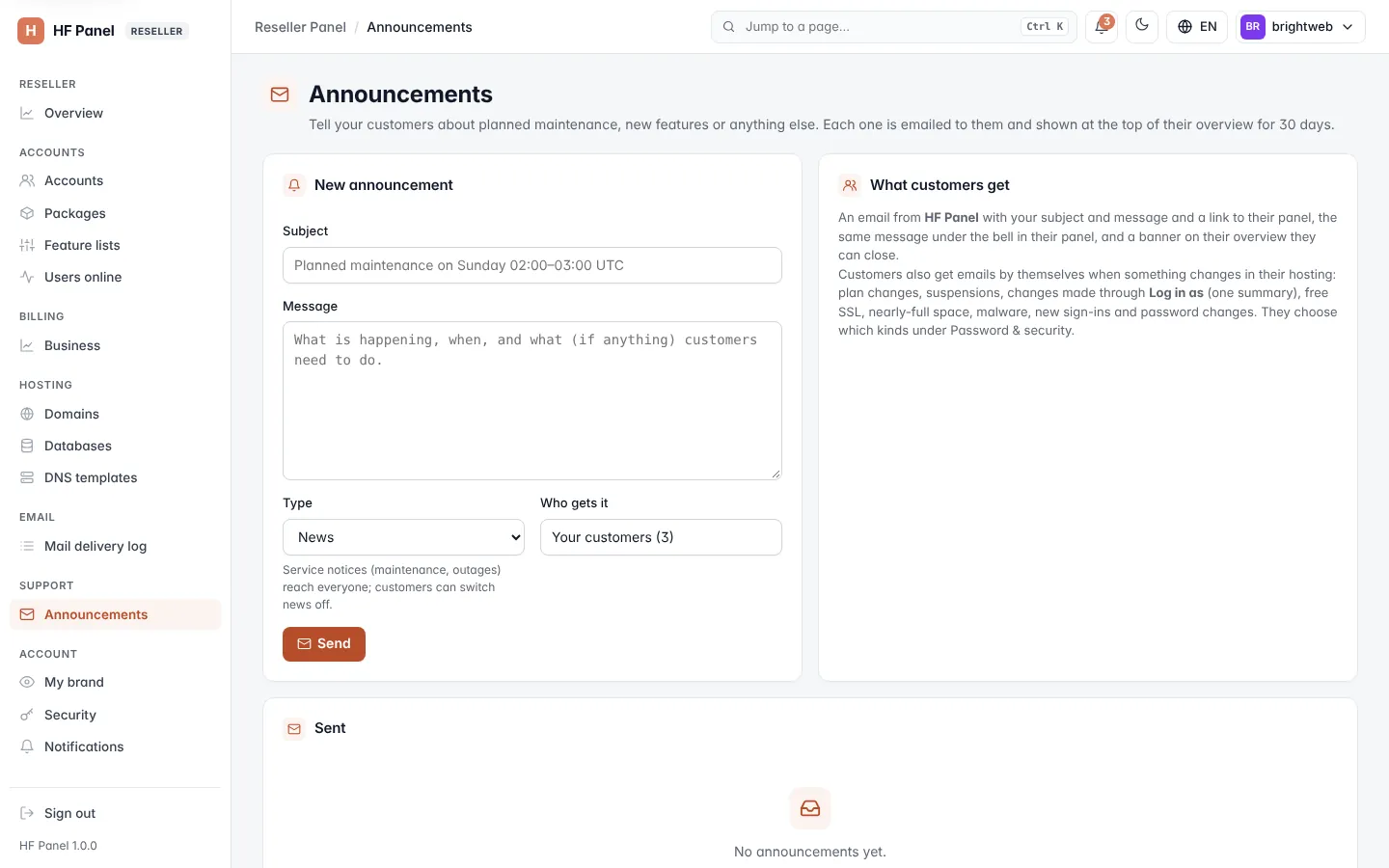
Send an announcement
- Under New announcement, choose the Type: News or Service notice.
- Enter the Subject, for example
Planned maintenance on Sunday 02:00–03:00 UTC. - Write the Message: what is happening, when, and what (if anything) customers need to do.
- Click Send.
Who gets it shows how many active customers it reaches. The emails go out over the next few minutes, and the message shows on your customers' overview for 30 days.
Note: service notices (maintenance, outages) reach everyone; customers can switch news off.
The table below lists the announcements you have sent, with when, the type, how many customers got it and any still waiting to be sent.
Related
- Accounts (send a message to ticked accounts)