 HF Panel
Webmail
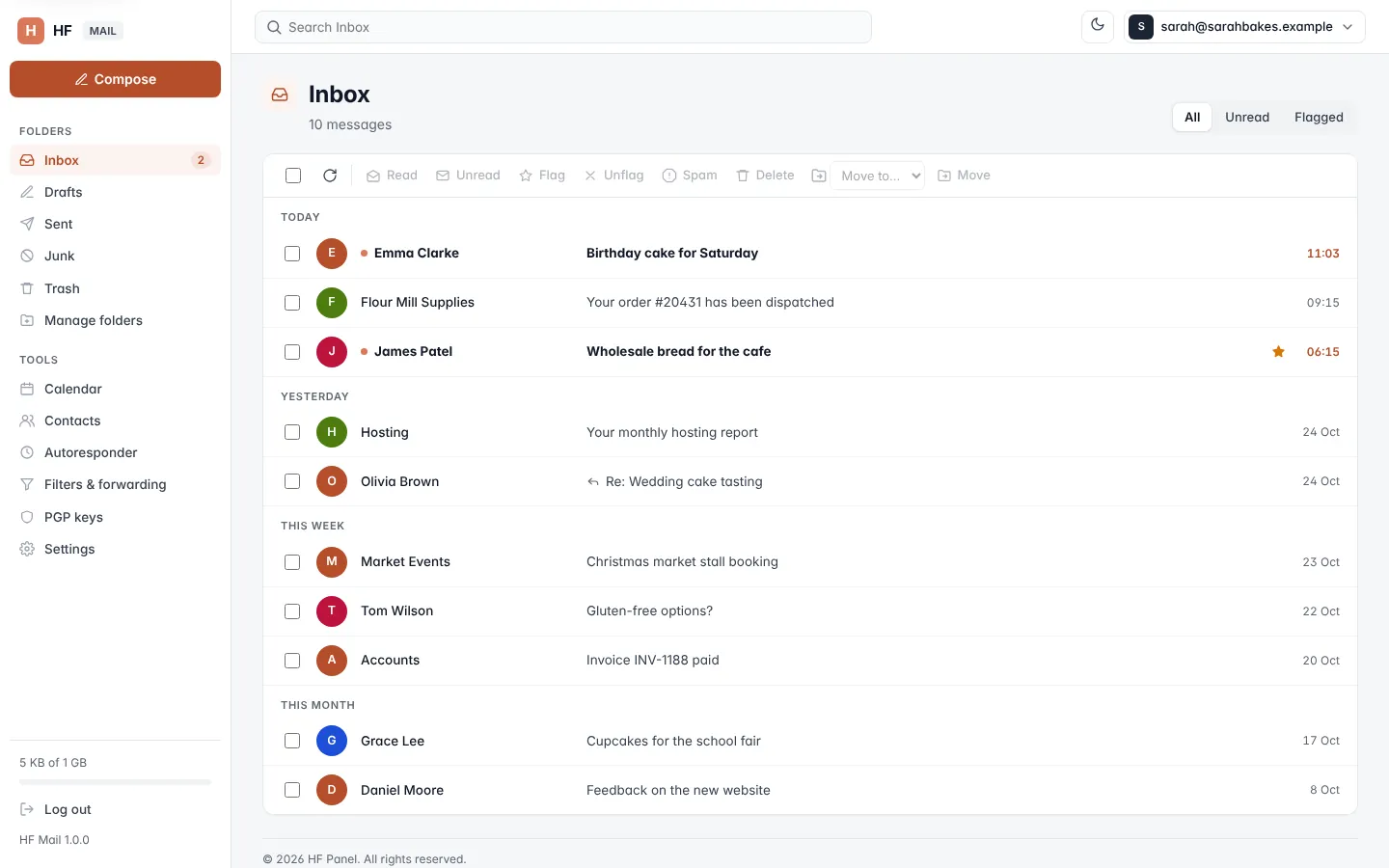
Open your mailboxes in HF Mail, the webmail, straight from the Control Panel without typing a password.
Webmail opens your email in HF Mail, the webmail, straight from the Control Panel. You are signed in to the mailbox without typing its password.
Where: Control Panel › Email › Webmail
Open webmail
Click Webmail in the menu. HF Mail opens, signed in to your first mailbox.
To open a particular mailbox:
- Go to Email accounts.
- On the Mailboxes tab, click Webmail on the mailbox's row.
The mailbox opens in HF Mail in a new tab. You can also click Open webmail at the top of Email accounts, or the Webmail tile under All tools on the Overview.
If you have no mailboxes yet, the webmail's sign-in page opens. Create a mailbox first on Email accounts.
Note: opening a mailbox from the Control Panel is recorded in your Activity log.
Sign in to webmail directly
The people who use your mailboxes don't need the Control Panel. They sign in to HF Mail with their full email address and the mailbox password:
- at the webmail address of the server (
https://panel.yourdomain.com:8443/webmail, whereyourdomain.comis your hosting provider's domain), or - at
webmail.example.comfor your own domain, once you switch it on in Email accounts › Domains.
Tip: give each mailbox a Recovery email in Email accounts (Manage), so its user can reset a forgotten password from webmail.