 HF Panel
DNS templates
Make DNS record templates your customers can apply to their domains, and copy built-in or administrator templates.
DNS templates are record sets your customers apply to a domain with one click (in their Control Panel, under DNS templates & import). As a reseller you make templates for your own customers. It works like the administrator's DNS templates screen.
Where: Reseller Panel › Hosting › DNS templates
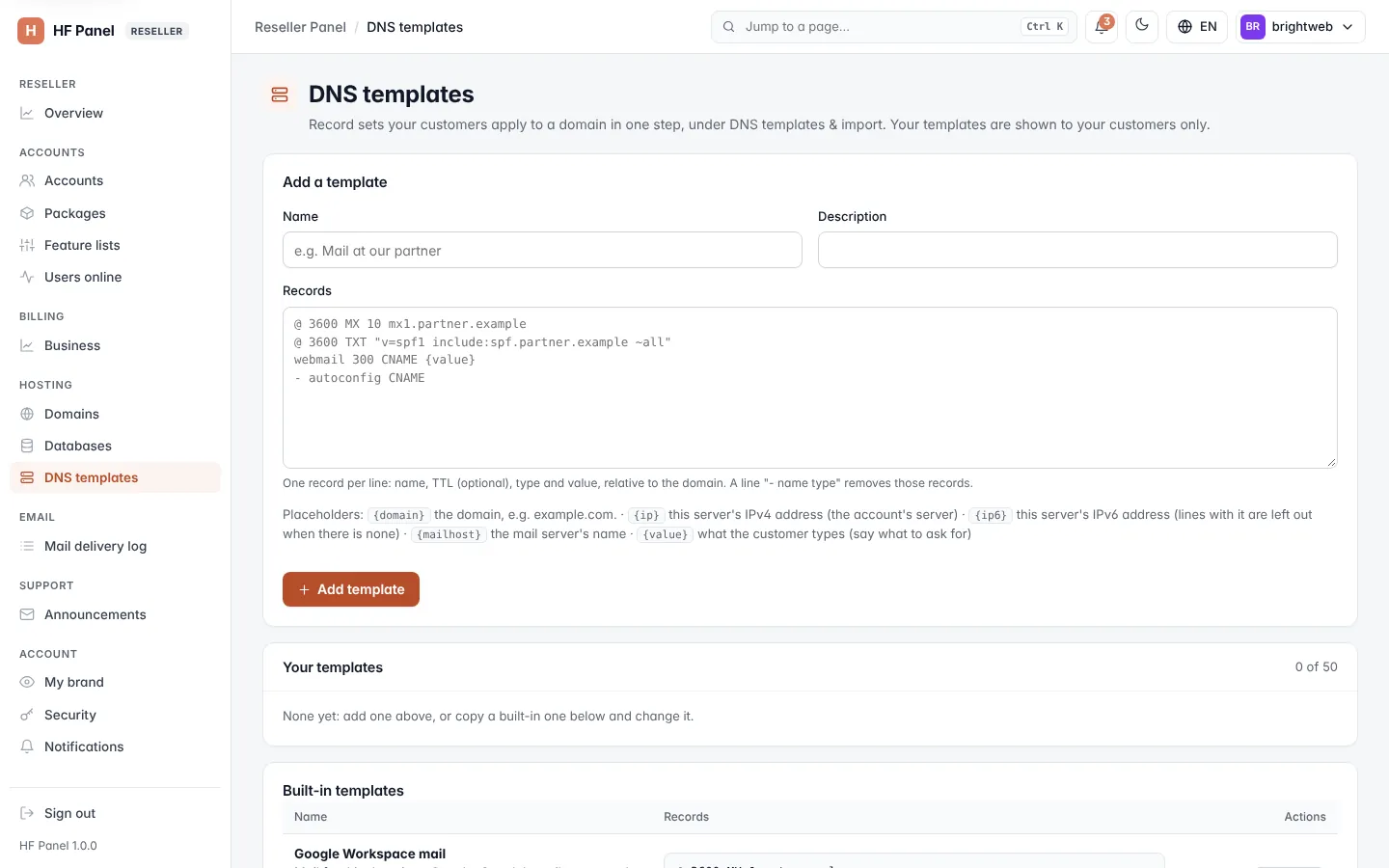
What you see
- Your templates — the ones you made. Only your customers see them.
- From the server administrators — templates the administrators made; your customers see these too. You can't change them, but Copy saves a copy as your own.
- Built-in templates — the templates that come with HF Panel. Copy saves a copy you can change. Hiding a built-in template from everyone is for the administrator only.
Make a template
- Enter a Name (for example
Mail at our partner) and a Description. - If the records need a value from the customer, enter the question in What to ask the customer for {value}.
- Enter the Records, using the placeholders shown under Placeholders:.
- Click Save.
Use Edit to change a template and Delete to remove it. You can have up to 50 templates.