 HF Panel
Monthly report
One page with your visitors, uptime, hosting space, backups, SSL, email and speed for any of the last 12 months — also sent by email.
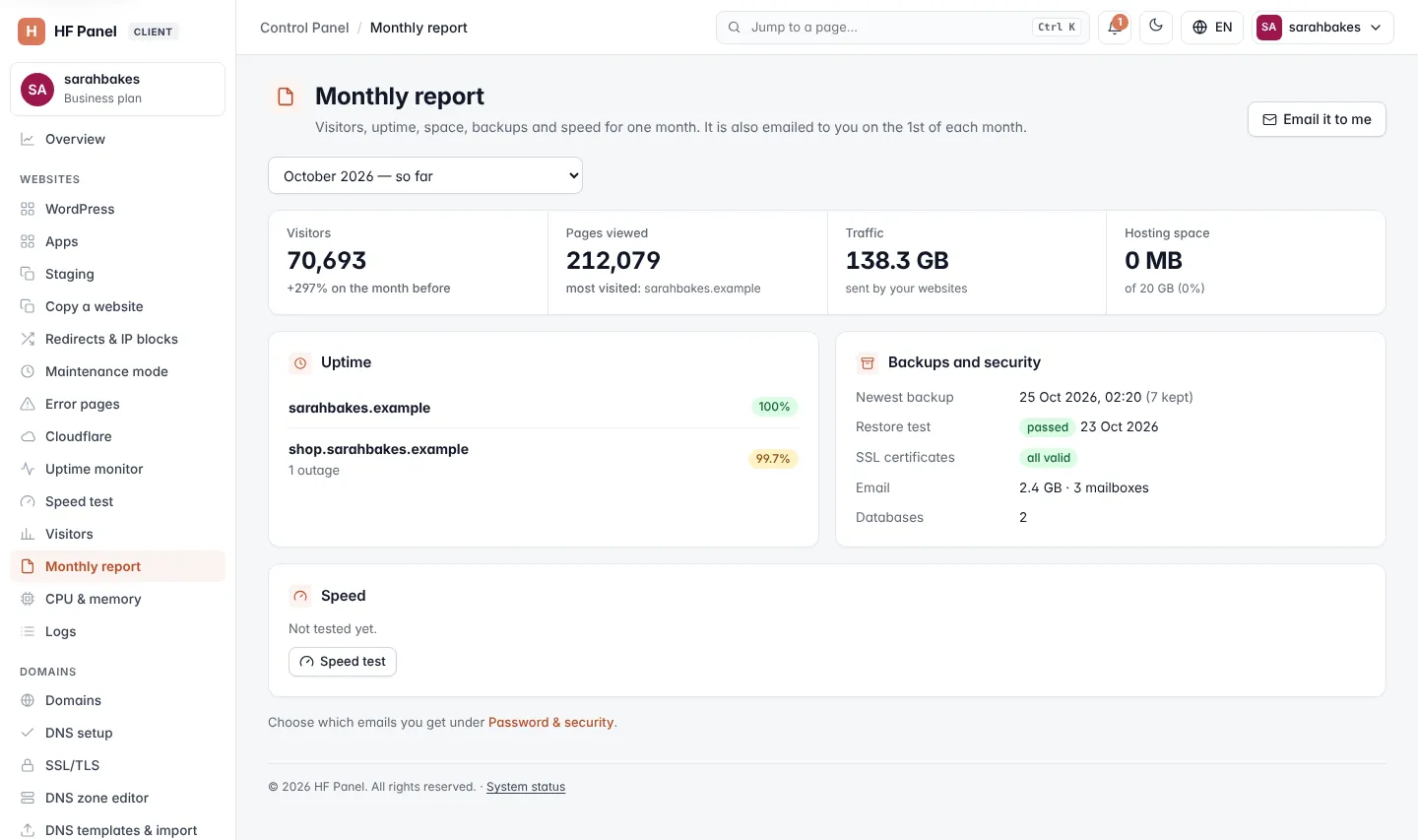
The Monthly report brings together your visitors, uptime, hosting space, backups and speed for one month on one page. You can open the report for any of the last 12 months, and have it emailed to you.
Where: Control Panel › Websites › Monthly report
Choose a month
Choose the month in the list at the top. The current month is marked "— so far". During the first week of a month the screen opens on the month before.
What the page shows
| Part | What it shows |
|---|---|
| Visitors | unique visitors in the month, and the change on the month before in % |
| Pages viewed | pages opened, and the most visited page |
| Traffic | the data sent by your websites |
| Hosting space | the space used now, against your plan's limit with the percentage |
| Uptime | each website watched by the Uptime monitor with its uptime percentage (green from 99.9 %, amber from 99 %) and the number of outages |
| Backups and security | Newest backup (and how many are kept), Restore test (passed, failed or not yet), SSL certificates (all valid or how many are renewing soon), Email (space used and number of mailboxes) and Databases |
| Speed | each website's latest speed test score, with the top tip to improve it. Click Details to open the speed test. |
When no website is watched yet, the Uptime card has an Uptime monitor button. When no website was tested yet, the Speed card has a Speed test button.
Email it to yourself
Click Email it to me. The month you chose is sent to your account's email address. You can send it up to 5 times an hour.
When monthly emails are switched on by your hosting provider, the page is also emailed to you on the 1st of each month. To stop or start these emails, go to Password & security and change your email choices.