 HF Panel
.htaccess editor
Edit a website's .htaccess file for rewrite rules, redirects, caching and access rules, with automatic safety checks.
The .htaccess editor edits a website's .htaccess file: rewrite rules, redirects, caching and access rules for
Apache. A file that would break the website is refused automatically.
Where: Control Panel › Software › .htaccess editor
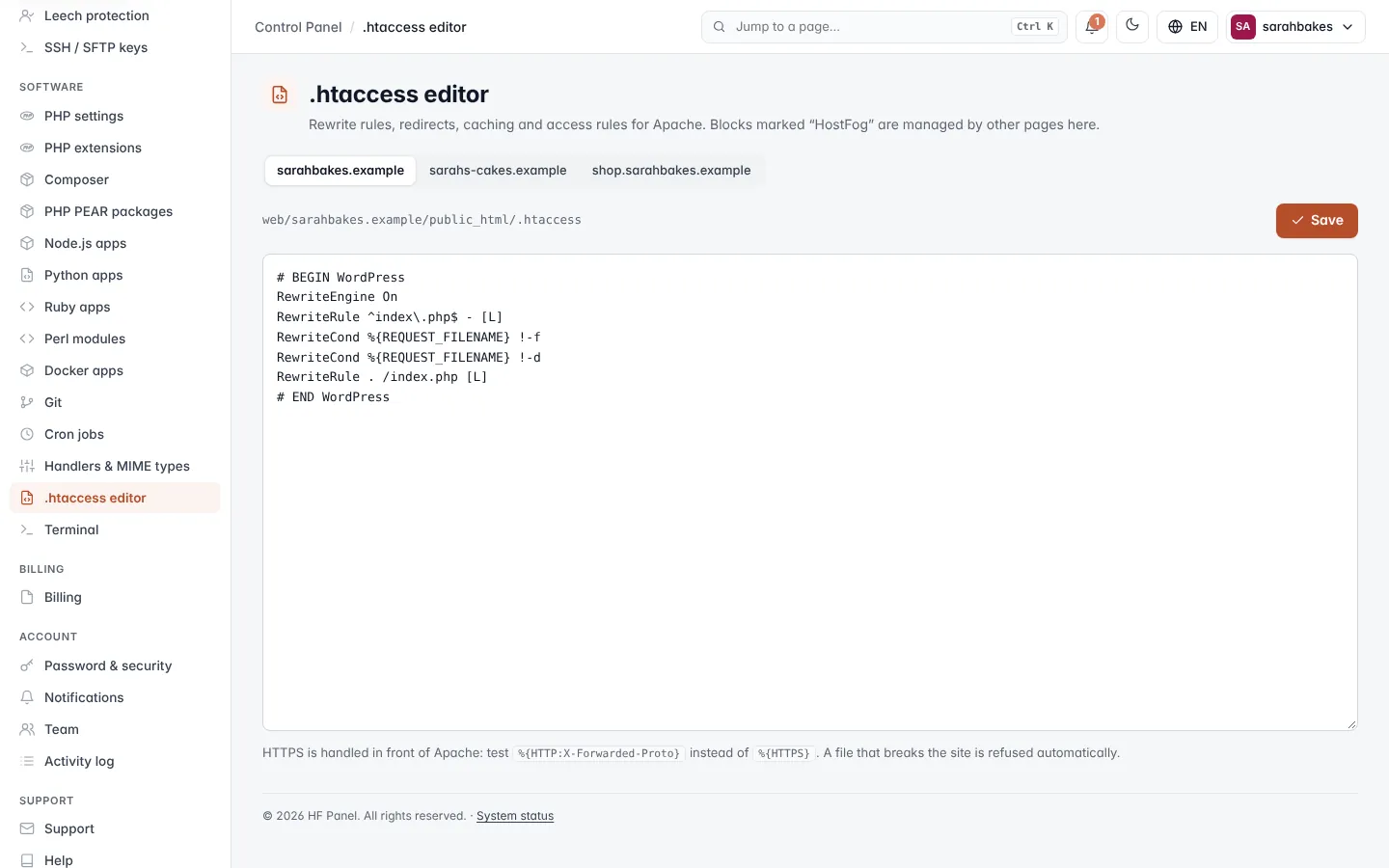
Edit the file
- Pick the website at the top. The path of its
.htaccessis shown above the editor (with not created yet when there is no file). - Edit the text.
- Click Save, or press Ctrl+S (⌘S on a Mac).
After saving, HF Panel asks the website for its home page. If it now answers "500 Internal Server Error", the previous version is put back (or the new file removed) and you see an error. Check the error log for the exact line.
| Rule | Detail |
|---|---|
| Size | up to 200 kB |
| Managed blocks | blocks between # BEGIN … and # END … lines are written by other screens of the panel; change those settings there |
Important: HTTPS is handled in front of Apache. To test for HTTPS, use
%{HTTP:X-Forwarded-Proto}instead of%{HTTPS}. For example, to send everyone to HTTPS:textRewriteEngine On RewriteCond %{HTTP:X-Forwarded-Proto} !https RewriteRule ^ https://%{HTTP_HOST}%{REQUEST_URI} [L,R=301]
Note:
.htaccessfiles are read only when the website uses the Nginx + Apache web server. With Nginx only (chosen on PHP settings) they are ignored.