 HF Panel
Mail delivery log
Search what was sent and received for your customers' domains, and what the other mail server said.
The Mail delivery log shows the mail of your customers' domains: what was sent, received, deferred, bounced or rejected, to whom, when, and what the other server said. Resellers see only their customers' rows. It works like the administrator's Mail delivery log screen.
Where: Reseller Panel › Email › Mail delivery log
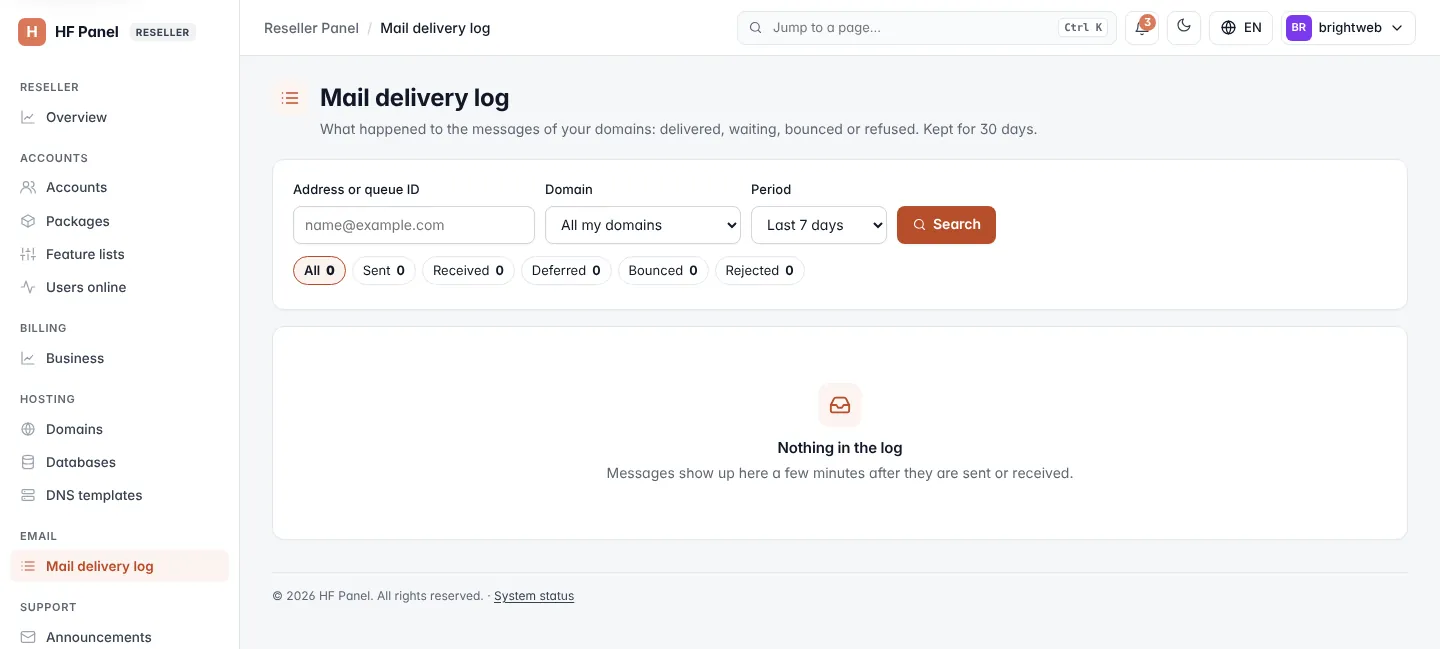
Search the log
- Enter an Address or queue ID (or part of an address).
- Optionally choose the Domain, the Outcome and the Period.
- Click Search.
Each row shows When (UTC), From, To, the Outcome and What the mail server said. The log shows a page at a time; use ← Newer and Older →.
Reading new lines straight away and setting how long the log is kept are for the administrator only. New lines are read every 5 minutes.
Related
- Mail delivery log (the customer's screen)
- Domains
- Log in as