 HF Panel
Move accounts
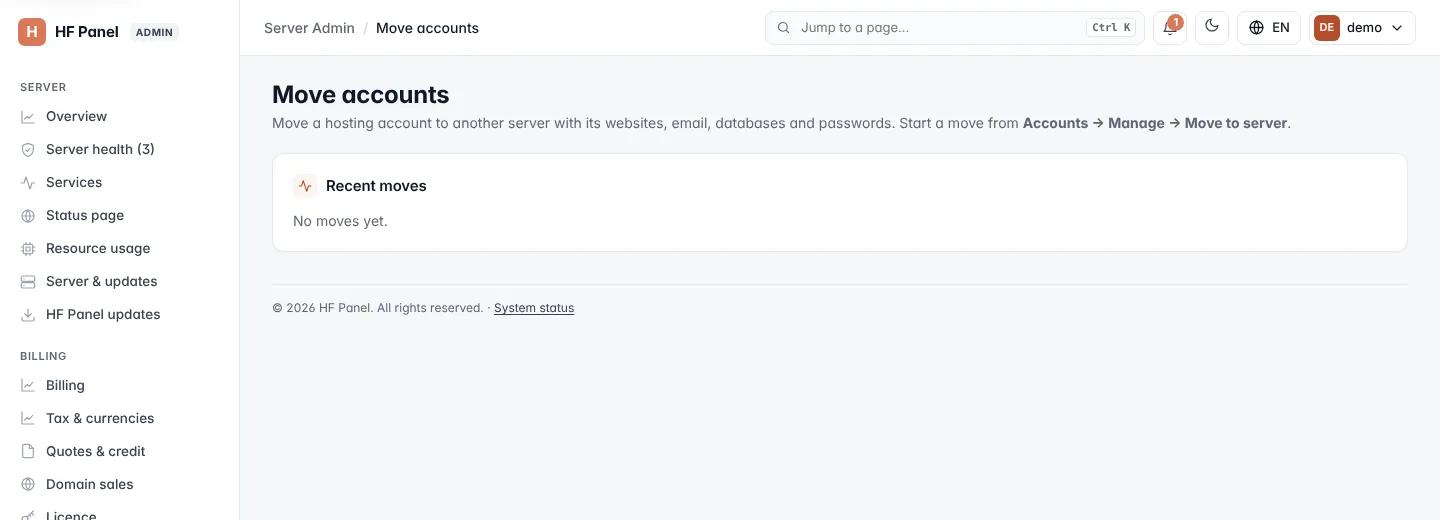
Follow a hosting account moving to another of your servers with its websites, email, databases and passwords.
Move accounts follows hosting accounts as they move between the servers joined to this panel, with their websites, email, databases and passwords. Websites stay online on the old server until DNS has switched.
Where: Server Admin › Accounts › Move accounts
Note: this menu entry appears only when at least one other server is joined under Servers.
Start a move
You start a move from the account itself:
- Open Accounts and click Manage on the account.
- Under Move to server, choose the server.
- Click Move and confirm Move this account to the chosen server? It takes a while; websites stay online.
The confirmation message has a link to follow the move on this screen.
Follow a move
The page shows the account, the server it is moving from and to, its status and its log, updating as it runs:
| Status | What is happening |
|---|---|
| Waiting | The move is queued. |
| Packing on the old server | The account is packed up. |
| Copying to the new server | The package is copied over. |
| Setting up on the new server | The account is unpacked and set up. |
| Switching DNS | DNS is pointed at the new server. |
| Removing the old copy | The account is removed from the old server. |
| Done / Failed | The move has finished. |
When it is done, Check these: lists anything that needs a look, and Open the account logs you in as the customer.
Recent moves
Recent moves lists the last 20 moves with the account, From, To, Status and when it Started.
Related
- Servers
- Accounts
- Server balancing — moves suggested and run for you