 HF Panel
HTTPS and phones
Use https:// for your local sites with HF Server's own certificate, trust it once, and test your sites on a phone on the same network.
Every local site also works on https://, with a certificate made on your computer. And with one setting, phones and
other computers on your network can open your sites too.
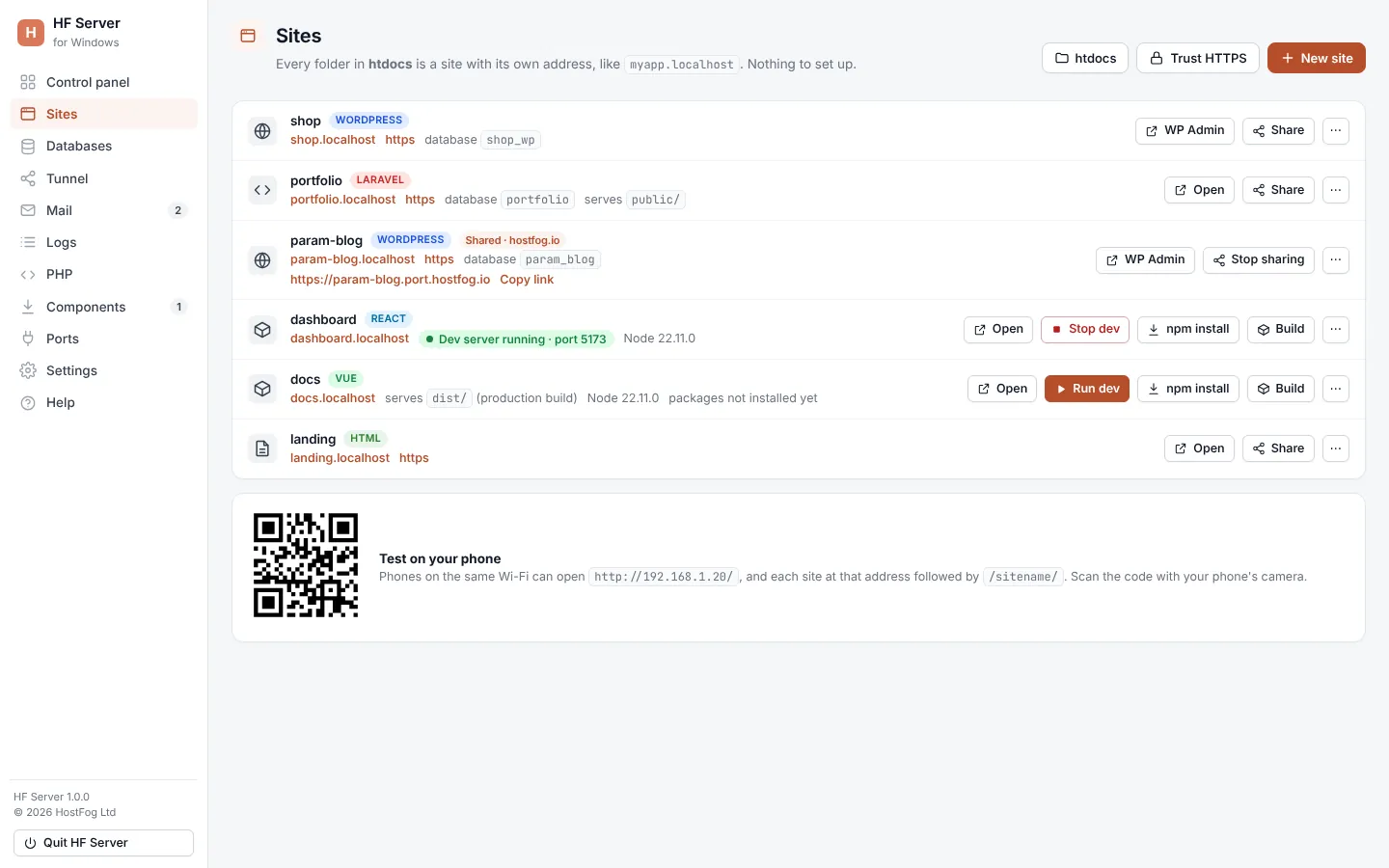
Where: HF Server › Sites (Trust HTTPS, Test on your phone) and Settings
HTTPS for local sites
HF Server makes its own certificate authority (CA) the first time it starts, then one certificate that covers
localhost, every site (shop.localhost and *.shop.localhost), 127.0.0.1 and your network address. The
certificate is renewed by itself when sites change or it is about to expire.
The CA can only sign certificates for local names and addresses, so even if someone copied it, it could not be used for a real website.
Trust HTTPS
Browsers show the padlock only after your computer trusts HF Server's CA. The installer (Windows, Linux) or the first start (macOS) usually does this for you. If not:
- Open Sites.
- Click Trust HTTPS.
- Confirm when your computer asks.
The button then shows HTTPS trusted. Some browsers need restarting afterwards.
Turn HTTPS off or change its port
In Settings, untick Serve sites on HTTPS too, or change the HTTPS port (443; 8443 on Linux) and the Nginx HTTPS port (8444).
Test on your phone
- In Settings, turn on Allow access from my network under Other devices and click Save settings.
- Open Sites. The Test on your phone card shows your computer's address on the network and a QR code.
- Scan the code with your phone's camera. Phones on the same Wi-Fi open the address, and each site at that address
followed by
/sitename/.
On Windows, the firewall may ask about Apache or MySQL. Allow Private networks if you want other devices to reach your sites.
Note: phpMyAdmin always stays local only, even when other devices are allowed.