 HF Panel
Docker apps
Install popular open-source apps such as n8n, Nextcloud or Ghost in one click, each in its own container on a domain.
The Docker apps screen installs popular open-source apps in one click. Each runs in its own container, on its own domain or subdomain, with HTTPS.
Where: Control Panel › Software › Docker apps
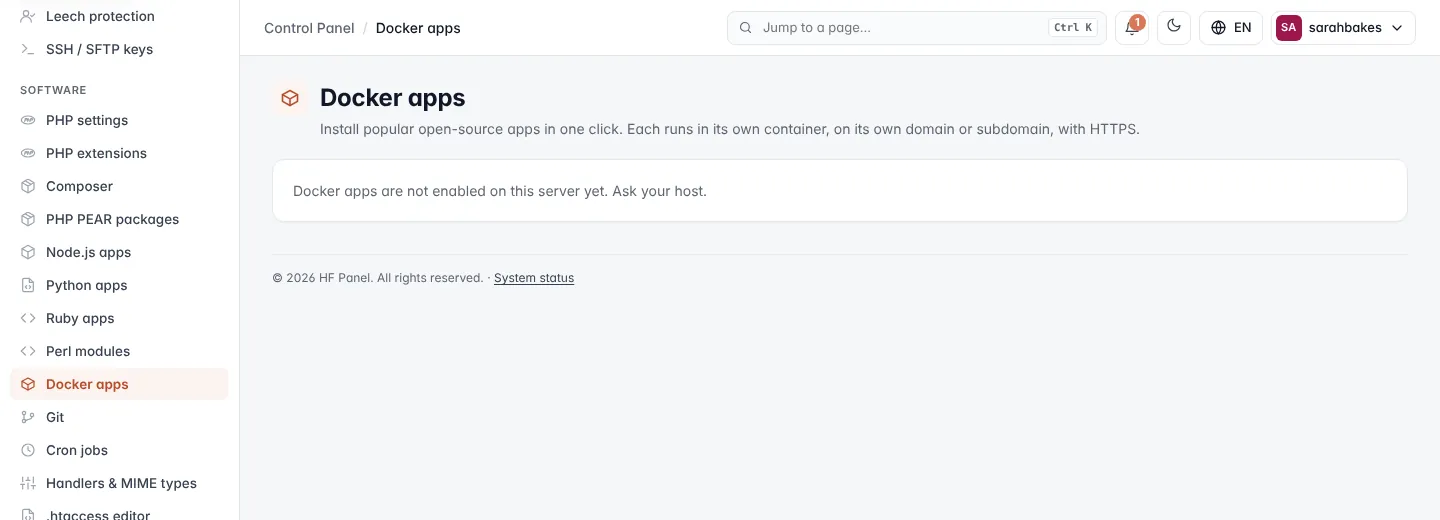
Note: if the screen says Docker apps are not enabled on this server yet, ask your hosting provider. How many apps you can run is set by your plan (2 when the plan sets no limit). If it says Your hosting plan does not include Docker apps, your plan allows none.
The catalogue
| App | What it is | Memory |
|---|---|---|
| n8n | Workflow automation — connect apps and APIs without code | 1024 MB |
| Nextcloud | Your own file storage: files, calendar, contacts, sharing | 1024 MB |
| Uptime Kuma | Status pages and monitoring for any website, server or port, with alerts | 512 MB |
| Ghost | Modern blog and newsletter platform with memberships | 512 MB |
| Vaultwarden | Password manager for your team (works with the Bitwarden apps) | 256 MB |
| Gitea | Git repositories, issues and pull requests | 512 MB |
Install an app
- Create a subdomain for the app first, for example
n8n.yourdomain.com, under Domains. - Under Install an app, find the app and choose the domain in On domain….
- Click Install.
Downloading takes 1–3 minutes. The message then says either to open the app to create your admin account, or shows an admin password (for Nextcloud and Vaultwarden) — save it now.
Warning: the app replaces the website on that domain. Use a subdomain you don't use for anything else.
Tip: turn on SSL for the domain on the SSL/TLS screen.
The heading shows how many apps you use of your plan's limit, for example (1 of 2 used). The catalogue is hidden once you reach the limit.
Manage your apps
Each installed app has a card with its status (for example Running), its address, its memory limit and where
its data is kept (apps/<app name>/data in your home).
| Button | What it does |
|---|---|
| Restart / Stop / Start | controls the container |
| Logs | shows the app's recent log; Close hides it |
| Remove | removes the app after you confirm. Its data folder is kept. |
| Bin icon | removes the app and deletes all its data, after you confirm |