 HF Panel
Security
Change your reseller login's password and email, and set up two-factor login, passkeys and API tokens.
The Security screen (titled Password & security) protects your reseller login. It is the same screen customers have; see Password & security for every card.
Where: Reseller Panel › Account › Security
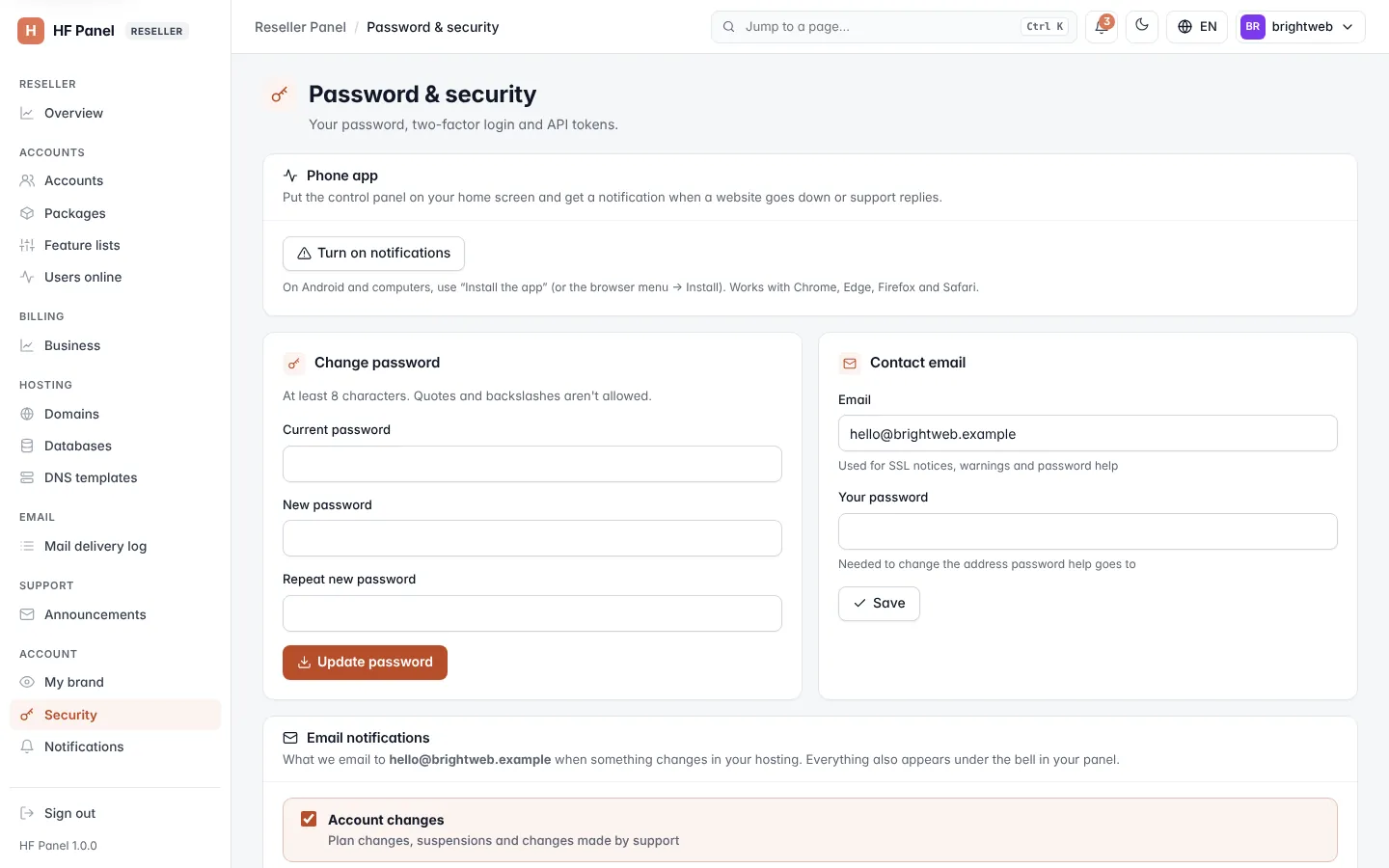
What resellers have
| Card | For resellers |
|---|---|
| Phone app | put the panel on your home screen and turn on push notifications |
| Change password | your password (the Use this for SFTP too option is for customers only) |
| Contact email | where password help and notices go; your password is asked again |
| Email notifications | which emails you get: Account changes, Security, Websites & SSL and Support tickets (for staff: new tickets and customer replies) |
| Passkeys | sign in with Face ID, Touch ID, a fingerprint, Windows Hello, your phone or a security key |
| Two-factor login | a 6-digit code from an authenticator app, with backup codes |
| API tokens | let a script or billing system use your reseller account through the API |
Customers' Support PIN card is not shown to resellers.
API tokens for resellers
A reseller's API token can do what your privileges allow — for example create, suspend or delete accounts, change plans, or open Log in as — and nothing the administrator has switched off. Choose Read only or Read & change, and optionally limit the token to Allowed IPs. The token is shown once.