 HF Panel
Mail delivery log
Search what happened to the messages of your domains — sent, received, deferred, bounced or rejected — and what the other mail server said.
The Mail delivery log shows what happened to the messages of your domains: delivered, waiting, bounced or refused. Use it when someone says they didn't get your email, or you are waiting for a message that never arrived.
Where: Control Panel › Email › Mail delivery log
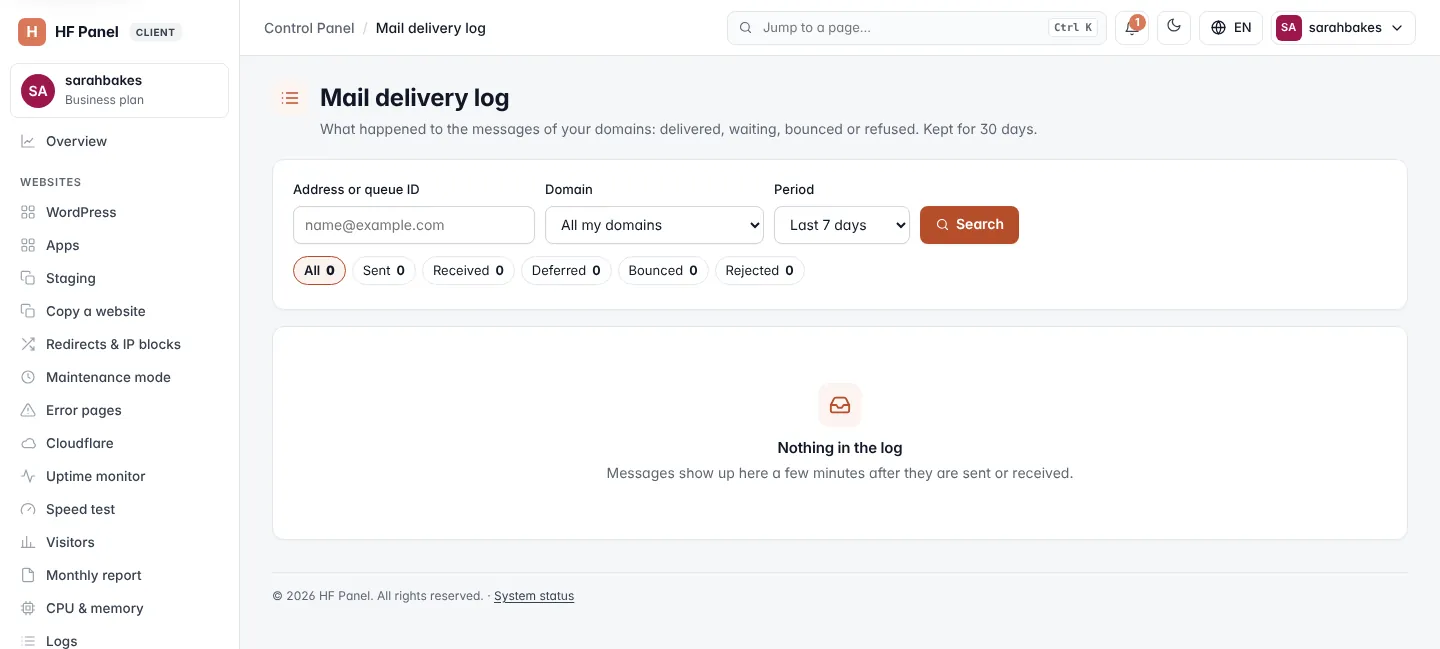
You only ever see the messages of your own domains. Messages show up a few minutes after they are sent or received. The page says how many days the log is kept (30 by default, set by your hosting provider).
Search the log
- Enter an Address or queue ID, for example
name@example.comor part of an address. Leave it empty to see everything. - Choose a Domain, or All my domains.
- Choose the Period: Last 24 hours, or the last 7, 14, 30, 60 or 90 days (up to how long the log is kept). The default is the last 7 days.
- Click Search.
Filter by outcome
The chips under the search show how many messages had each outcome. Click one to show only those:
| Outcome | What it means |
|---|---|
| All | every message that matches the search |
| Sent | delivered to the other mail server |
| Received | delivered into one of your mailboxes |
| Deferred | the other server could not take it yet; the server keeps trying for a while |
| Bounced | the message could not be delivered and was returned to the sender |
| Rejected | the server refused the message, for example as spam |
The log table
| Column | What it shows |
|---|---|
| When (UTC) | the date and time |
| Outcome | the outcome pill |
| From | the sender (<> for a bounce message) |
| To | the recipient |
| What the mail server said | the answer of the other server, with the status code, the server it went through and the queue ID |
The log shows 50 messages per page, newest first. Use ← Newer and Older → to move between pages.
Tip: a bounced or deferred message usually says why in What the mail server said — for example a mailbox that doesn't exist, or a full mailbox. If messages are refused as spam, check your domain on Deliverability.